

Behind every smooth restaurant service is a well-designed POS system workflow. Whether you’re running a fine dining establishment, a bustling fast-casual spot, or a multi-unit chain, the way your POS system handles orders, prompts, and staff interactions can make or break the guest experience.
That’s where the Oracle Simphony POS system truly shines. Unlike basic POS platforms, Simphony offers powerful scripting capabilities that allow you to shape workflows around how your business actually operates — not the other way around.
At DCRS, we specialize in helping restaurants harness that potential. Our team works closely with clients to design, script, and implement POS workflows that improve speed, reduce error, and help teams deliver consistent, high-quality service.
Why POS System Workflow Customization Matters in a Restaurant Environment
No two restaurants are exactly alike. From menu structure to service style, your POS system should reflect the unique flow of your business. Customizing your POS system workflow lets you design experiences around real-world needs: faster order entry, fewer keystrokes, automatic prompts that reduce training time, and backend logic that improves kitchen efficiency.
For example, a quick-service concept may want rapid-fire input with automatic modifier prompts, while a full-service restaurant might need conditional routing for food and drinks. When your POS adapts to your team — and not the other way around — service becomes smoother, guests are happier, and your staff spends less time troubleshooting and more time delivering great hospitality.
What Is POS Scripting, and How Does It Work in Simphony?
In the context of the Oracle Simphony POS system, scripting is the behind-the-scenes logic that dictates how the system behaves during specific interactions. It allows operators to go beyond standard configurations and create custom rules and workflows that match their unique business needs.
Scripting in Simphony is typically managed through tools like EMC (Enterprise Management Console), CAL packages, and custom function modules, which allow developers or configuration experts to build conditional actions, field-level behaviors, and prompts based on inputs like item selections, user roles, or time of day. This means your POS can respond intelligently to each situation, not just follow a one-size-fits-all structure.
Common Use Cases for Simphony POS Workflow Scripting
To understand how scripting enhances your POS system workflow, let’s look at a few practical applications:
- Auto-prompting modifiers: When a server rings in a steak, the system can automatically prompt for temperature and sides, reducing missed steps.
- Conditional pricing or promotions: Apply happy hour pricing between 3–6 PM, but only at the bar or patio.
- Table-specific logic: Use one workflow for dine-in tables, another for bar seating, and a third for takeout — all within the same interface.
- Automated upsell prompts: If a guest orders a burger, prompt the server to suggest fries or a drink combo.
- Kitchen routing logic: Direct different menu items to appropriate prep stations based on modifiers or order type.
- Role-based screens: Customize views so managers see high-level tools, while servers have access to order entry only.
These are just a few of the ways scripting turns Simphony into a truly flexible platform for operators looking to streamline and scale. Ready to get started? Get in touch.
The Benefits of Custom Workflow Scripting
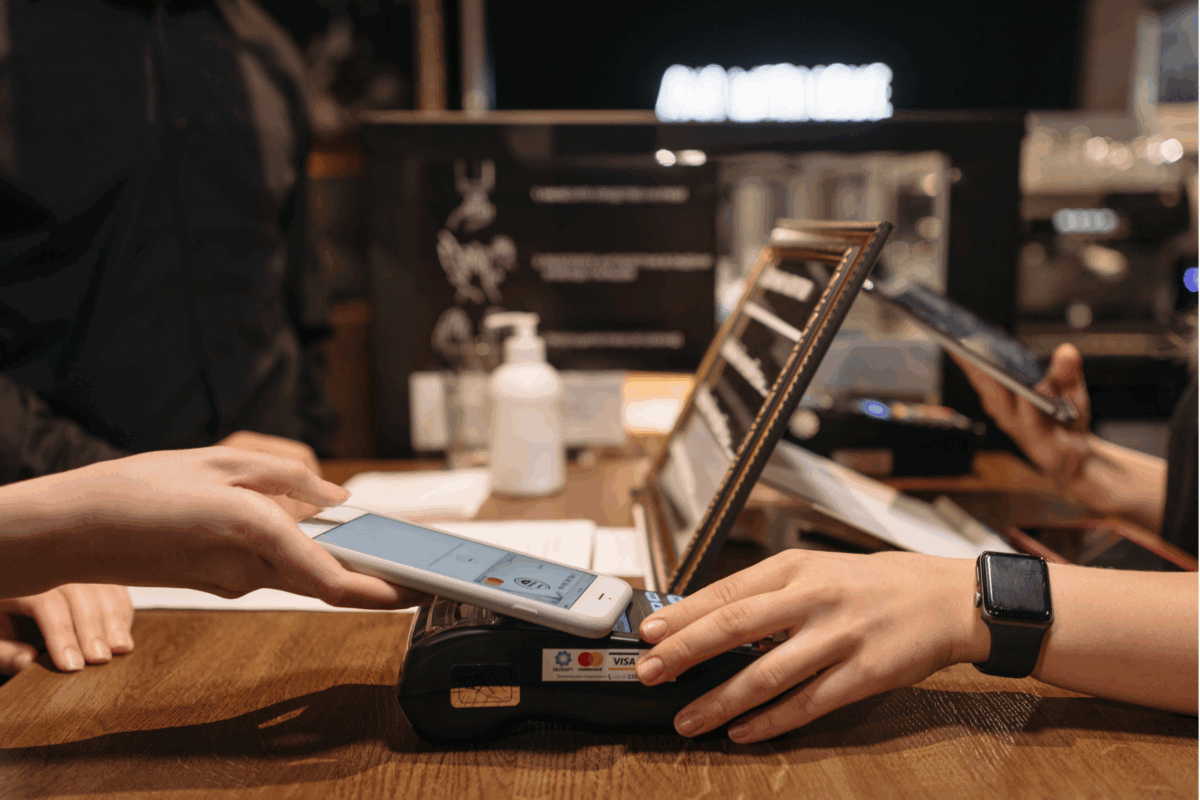
Implementing custom workflows can lead to transformative results. First, it boosts speed and accuracy during service, which reduces ticket times and improves table turns. Staff onboarding also becomes simpler because your POS guides users through logical, intuitive steps.
Custom scripting also helps reduce human error, ensuring every order is complete and consistent. For multi-location operators, scripted workflows enforce standardized procedures across sites, even if local menus differ. And long-term, these efficiencies translate into real ROI through labor savings, increased order accuracy, and stronger guest satisfaction.
How DCRS Helps You Script with Confidence
At DCRS, we understand that no restaurant is the same. That’s why our team customizes each scripting solution to match your service flow, menu logic, and business goals. Our scripting and configuration experts work directly with your team to understand your service model, pain points, and operational goals. From there, we develop custom scripts that enhance your POS system workflow without overcomplicating it.
Every script we create goes through collaborative testing and refinement to ensure it’s reliable and user-friendly. We also provide ongoing support, so as your menu, service style, or locations evolve, your POS workflows can evolve too. Throughout the process, we prioritize system stability and performance, so you get the benefits of customization without added complexity.
When to Consider a Workflow Audit
Not sure if your current setup is working for you or against you? Some signs it might be time for a workflow audit include slow order entry, staff complaints about confusing screens, inconsistent kitchen communication, or teams relying on manual workarounds.
Our DCRS team offers full workflow assessments where we analyze your current configuration, identify friction points, and recommend scripting enhancements that align with your goals. Often, just a few strategic changes can dramatically improve flow and performance.
Conclusion: Take Control of Your POS System Workflow
Customizing your POS system workflow with Simphony scripting opens the door to a smarter, faster, more personalized service experience. It empowers your team, reduces mistakes, and helps you scale your operations with confidence.
Ready to explore what’s possible?
👉 Contact DCRS today to schedule a Simphony workflow consultation or learn more about how custom scripting can transform the way you operate.
Sign Up for our Newsletter